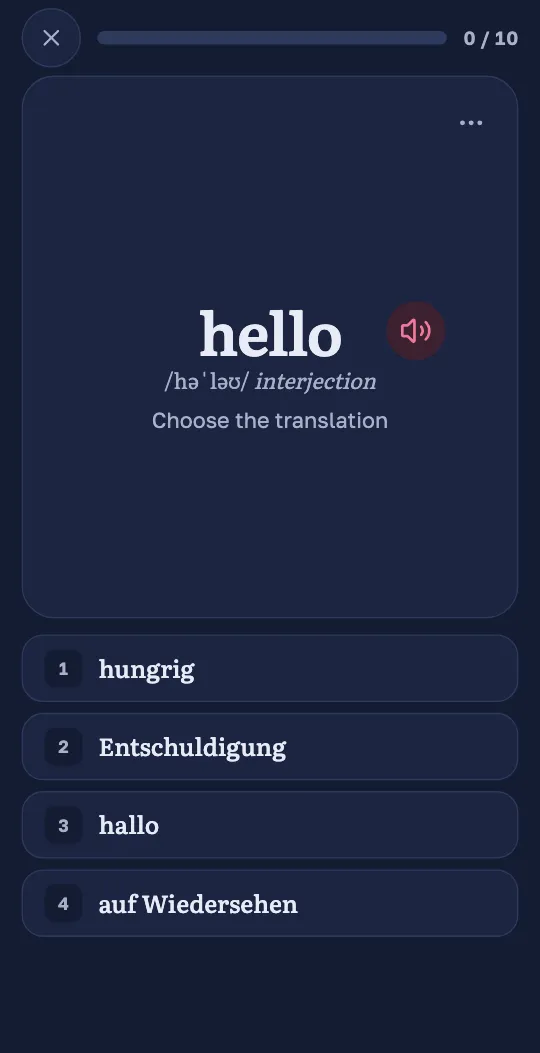
Multiple choice
You see a word and choose its translation from four answers. Sometimes it is the other way round: you see the translation and choose the word. New words start with questions like these.
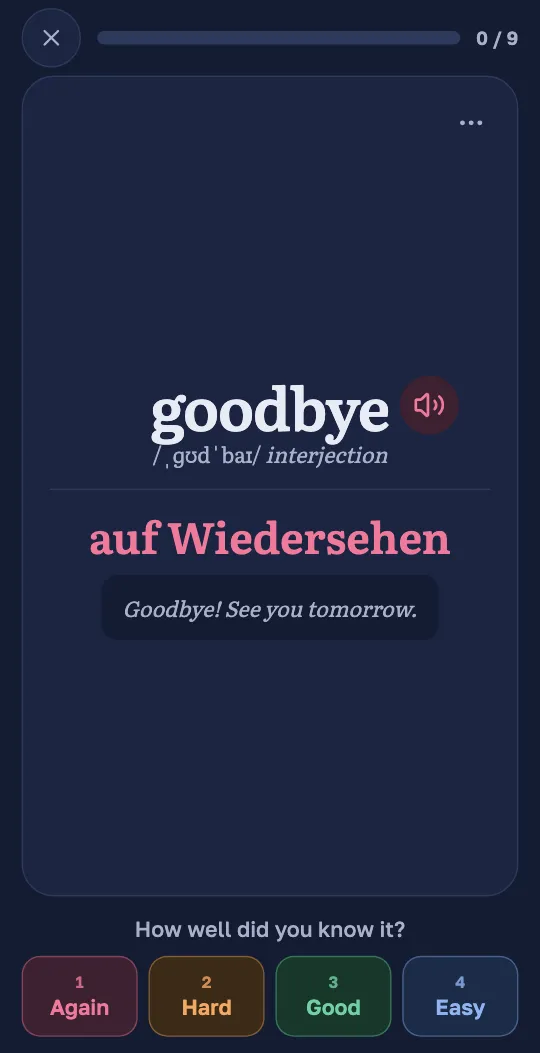
Flashcards
You see the word and try to remember what it means. Press “Show answer”, then say how well you knew it: Again, Hard, Good or Easy. Flashcards come when you know a word better.
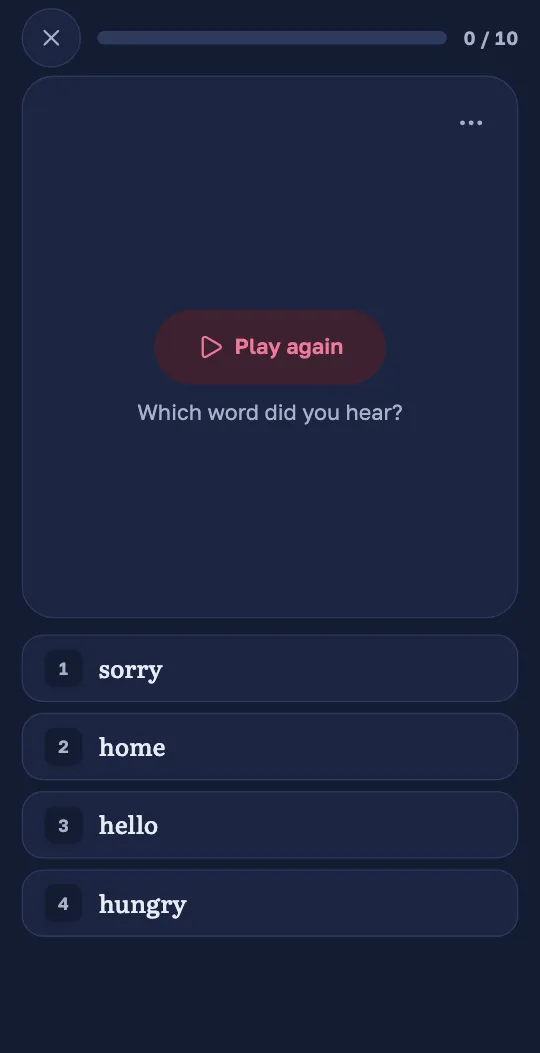
Listening
Wordado plays a word and asks “Which word did you hear?” On other questions, a round button plays the word.
Listening is part of a session while “Play audio, and include listening exercises” is on, in Settings under “Studying”.
Study one way
On the Study screen, under “Study one way”, choose Flashcards, Multiple choice or Listening. Your session then has that kind of question only.
Practice
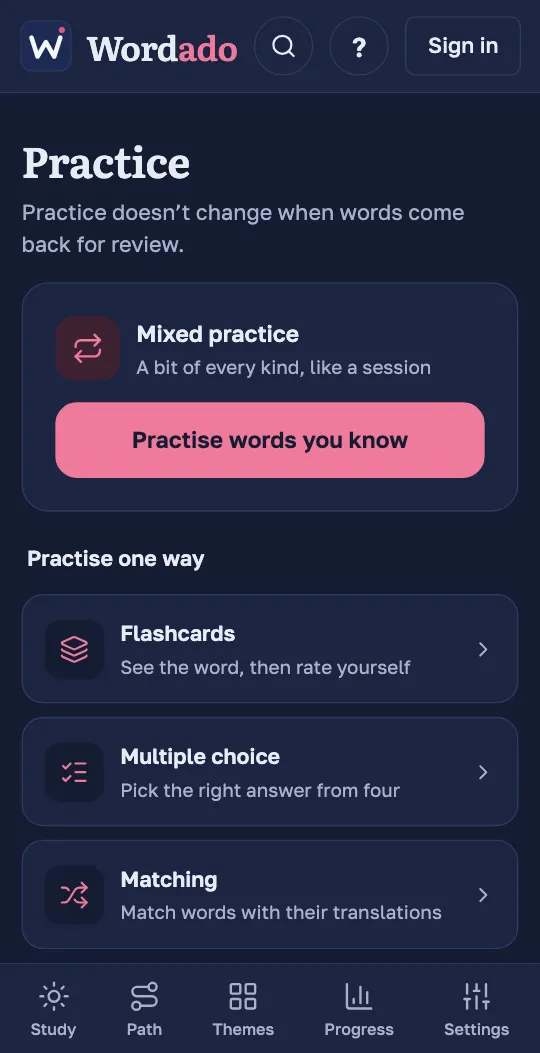
“Practise words you know” opens extra practice with the words you have started: mixed, one way, or Matching, a game where you pair words with their translations. Matching needs five words.
Tip: Practice does not change when words come back for review.