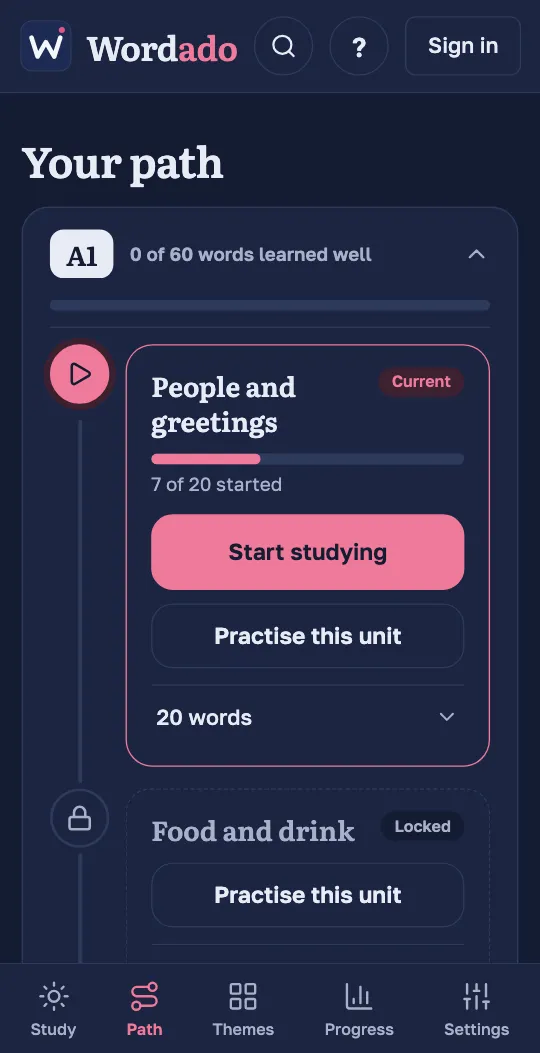
Your path
The Path tab shows your level and its units in order. Your new words come from the unit marked “Current”. A unit marked “Locked” opens when you have started every word of the unit before it.
Open a unit to see its words. “Practise this unit” gives extra practice with all the words of the unit.
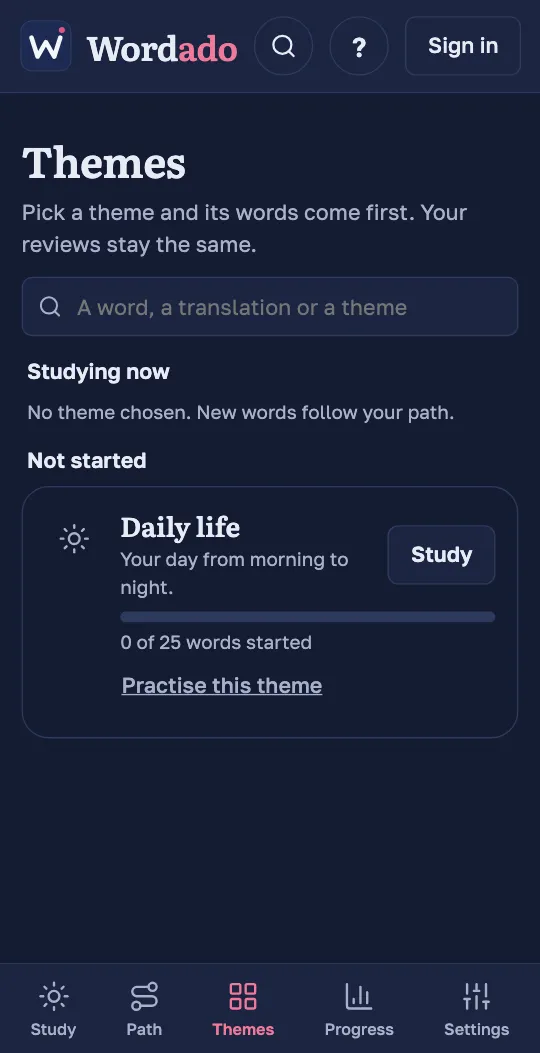
Themes
On the Themes tab, choose a theme with “Study this next” (on a phone the button says “Study”). Its words then come first. Your reviews stay the same.
To follow the path again, press “Back to the path”.
Search the course
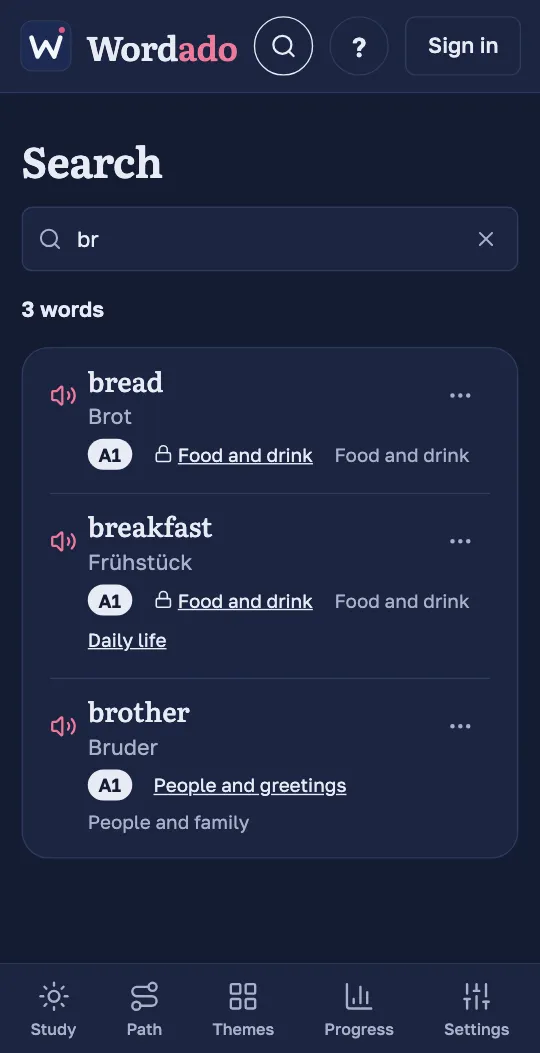
Press the magnifier at the top and type a word or a translation. Each result shows the word with its level, its unit and its themes.
Tip: Without an account, search covers the demo only, and themes come with the whole course.
Set a word aside, or add one
Every word in a list has a ⋯ menu. “I know it” and “Not now” set the word aside: it is not taught or reviewed. “Learn this word” adds a word you have not started to your next sessions.