Study offline
Open Wordado once while you are online. After that it opens without internet too. Your answers are kept on your device. With an account, they sync when you are online again.
Download the audio
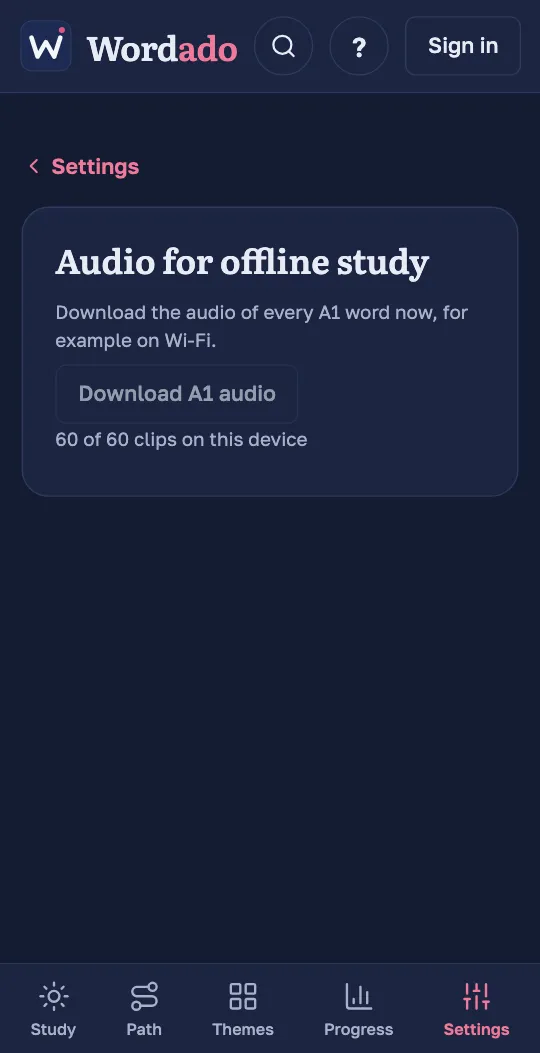
Offline, Wordado plays only the audio that is already on your device. To have all of it, open Settings, then “Audio for offline study”, and press the download button, for example “Download A1 audio”. It is best done on Wi-Fi.
Use two devices
Sign in with the same email on each device. Wordado emails you a six-digit code. Your progress then syncs between your devices.
From the demo to an account
Did you start without an account? Press “Create an account”. A new account keeps the words you studied in the demo. If the email already has a Wordado account, the demo’s words are deleted and you get that account’s progress.
Download your data
In Settings, under “Account”, “Download your data (JSON)” saves your data as a file. You need to be online. “Delete your account” is on the same page.