Guide
How can we help?
Short pages on how to use Wordado, with real screens from the app.
Start here
All topics
Getting started
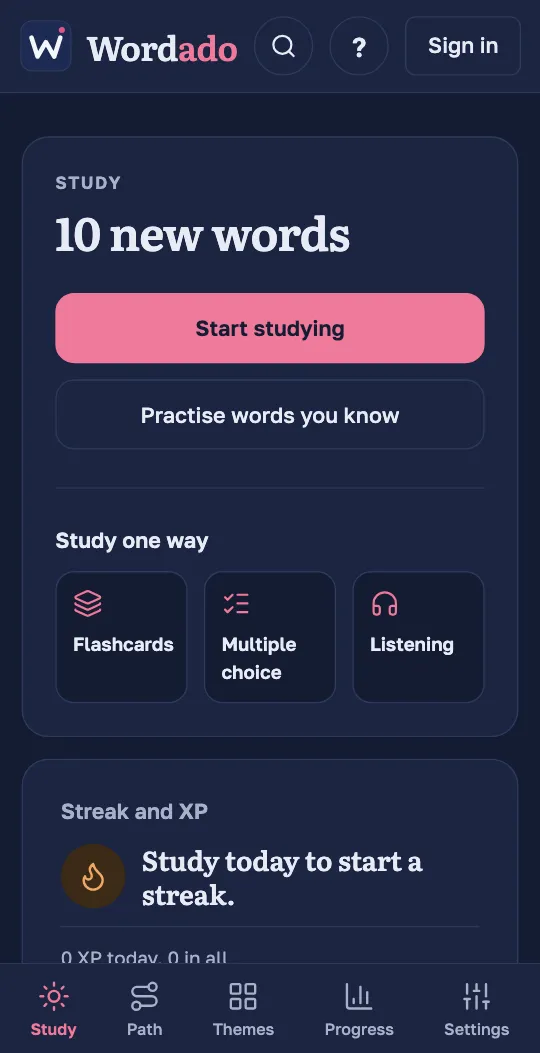
- Your first sessionFrom opening the app to finishing your first words.
- Find your levelChoose your level yourself, or take the short test.
- Change your languageThe language of the translations, and the language of the menus.
Studying
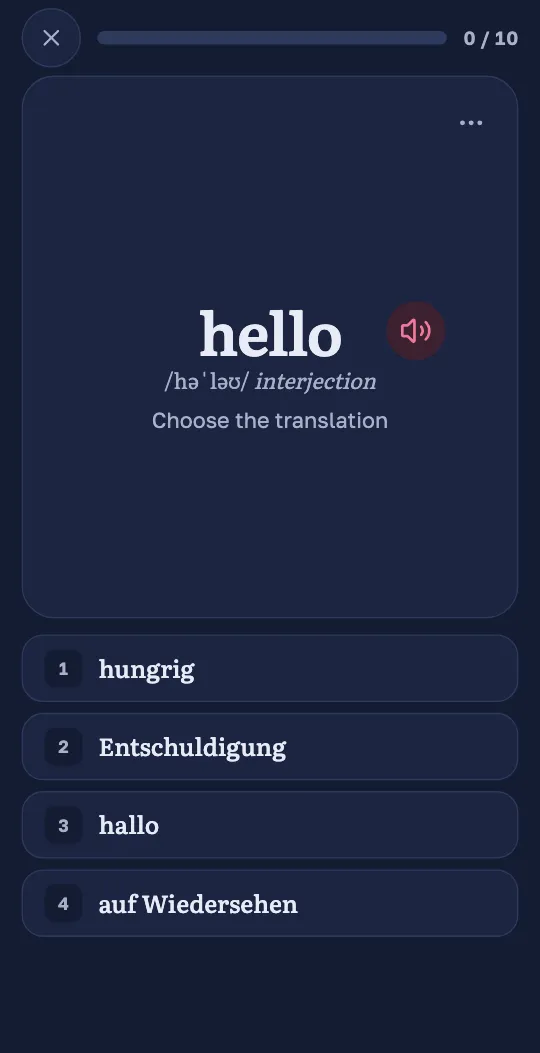
- Ways to study a wordFlashcards, choices, listening and practice.
- Again, Hard, Good, EasyWhat each button means for when a word comes back.
- Practice and MatchingExtra rounds with your words, and a game of pairs.
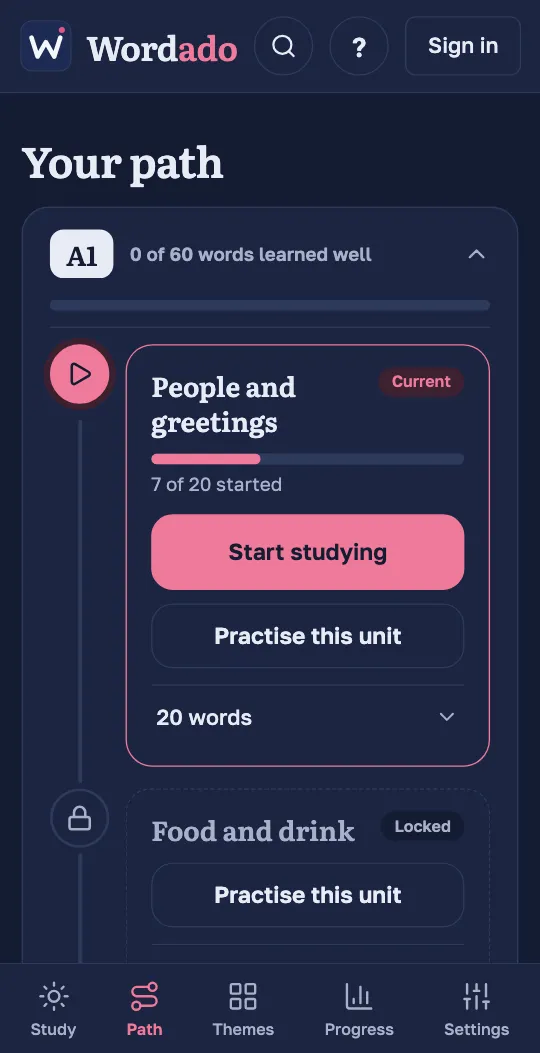
- The path and themesLevels, units, themes, search and words you set aside.
- Search and words you set asideFind a word, learn it now, or stop seeing it.
- How many words a dayNew words a day, reviews, daily goal and the other study settings.
Staying on track
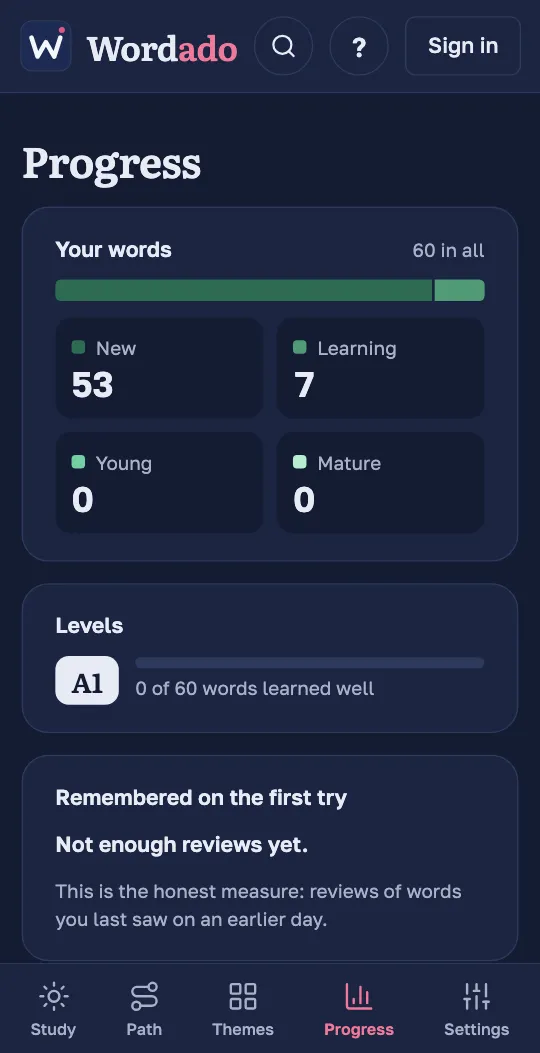
- Progress and streakWhat the numbers mean and how the streak works.
- RemindersOne reminder a day, at the hour you choose.
Account and devices
- Create an account and sign inA free account with no password: you sign in with an emailed code.
- Offline and on two devicesStudy without internet, sync your devices, download your data.
- Your data: download or deleteDownload everything as a file, stop the news, or delete your account.
- Install WordadoOn your phone or computer, straight from the browser.