English and German, A1 to C1
New words that stay with you.
A few minutes a day. Wordado brings each word back just before you would forget it, even without internet.
Free · No ads · On your phone and your computer
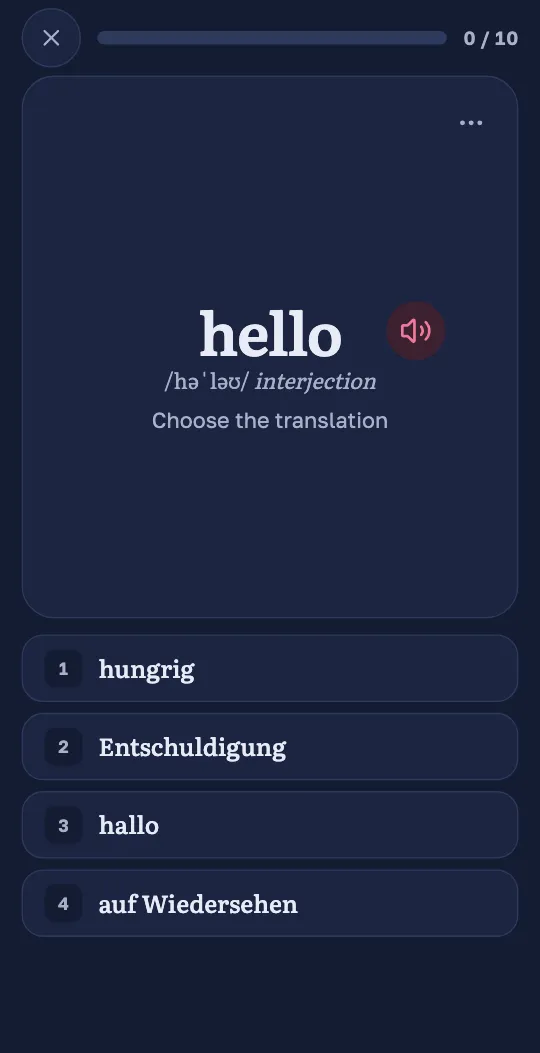
Try it here: tap an answer
Try it here: tap an answer
Courses
What do you want to learn?
- A1 to C18,908 words
English
- A1 to C17,835 words
German
Beta More soon
More languages are coming.
Why Wordado
Study less. Remember more.
Easy words wait longer; hard ones come back soon. You never plan a review yourself.
- The schedule follows your own answers
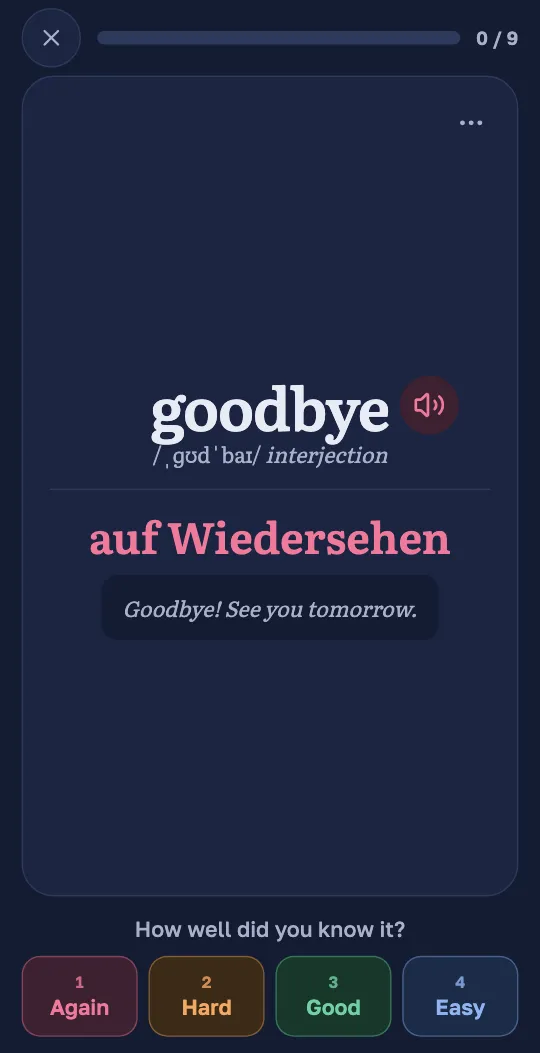
- One tap after each card: Again, Hard, Good or Easy
- A daily limit, so reviews never pile up
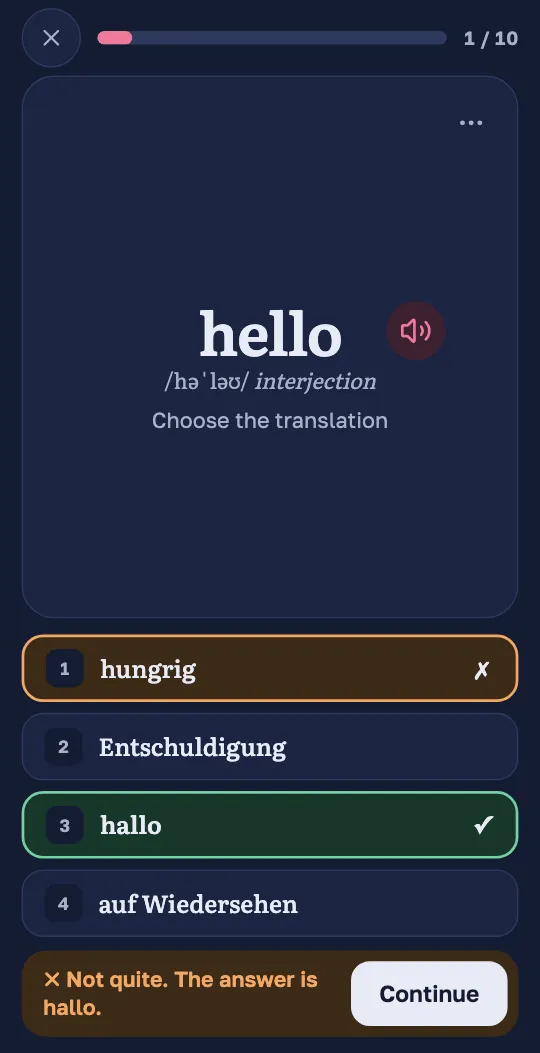
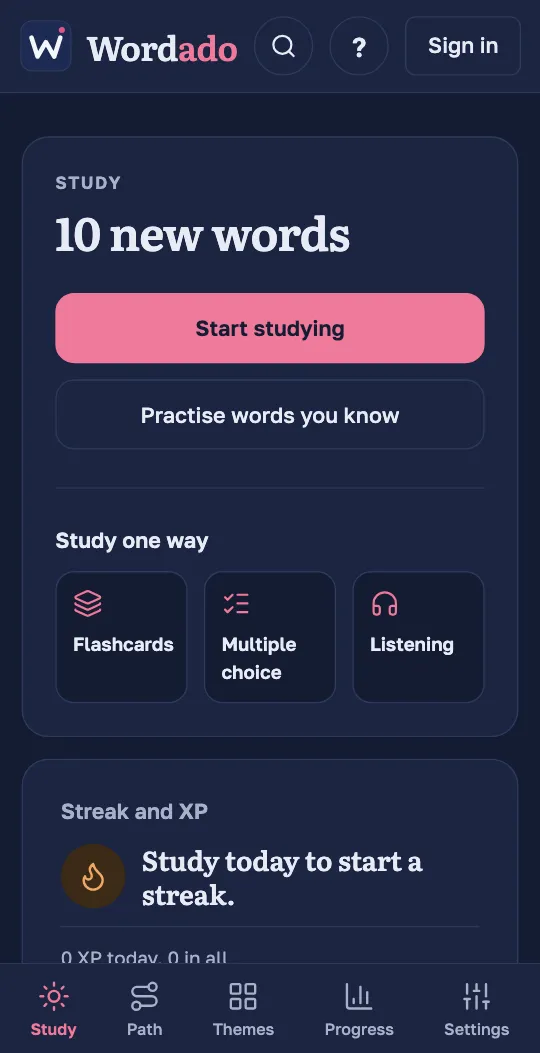
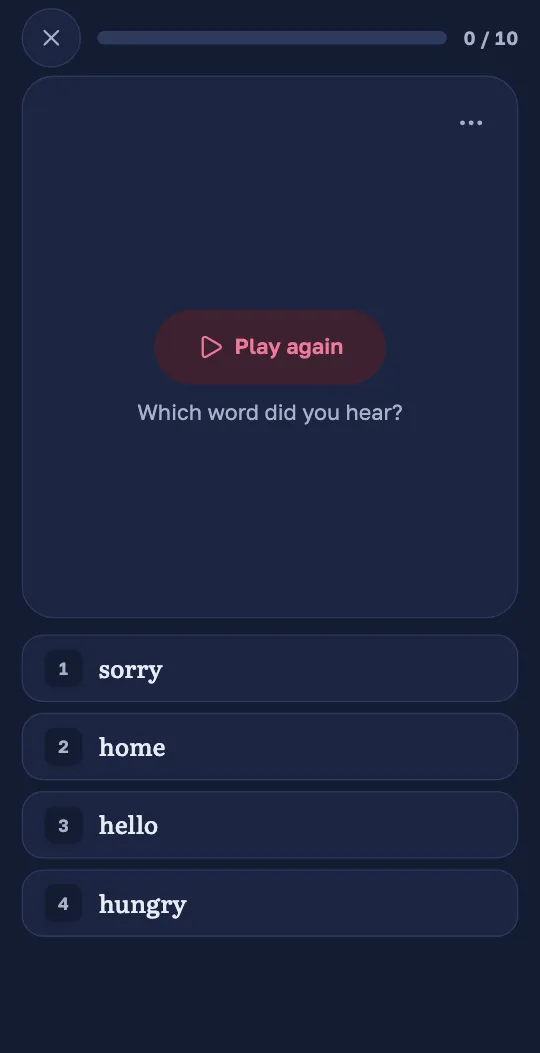
Every session mixes the kinds of question, so you see, hear and recall each word. Or study one way only.
- Flashcards and multiple choice
- Listening: pick the word you hear
- Matching games for extra practice
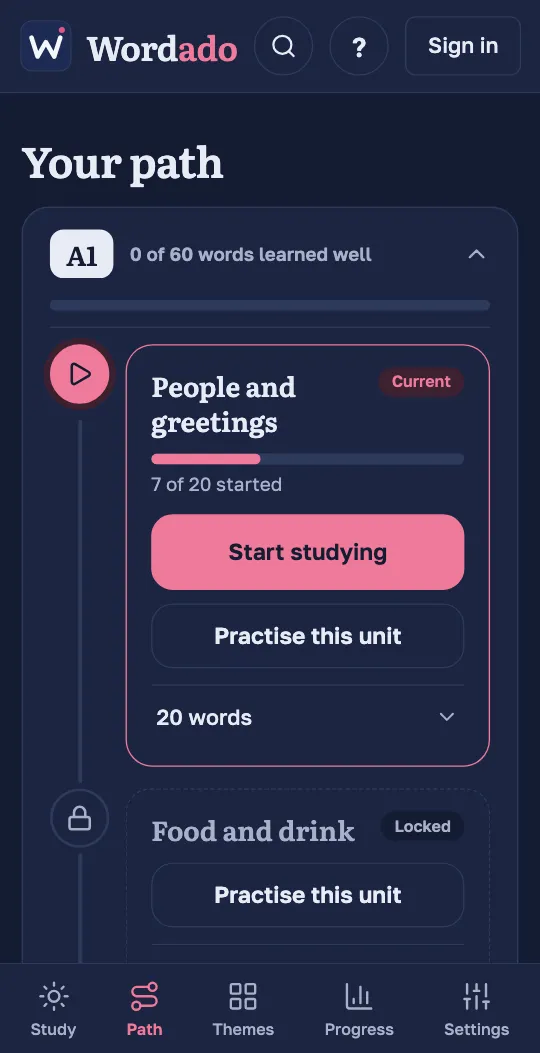
Pick your level when you set up the app, or let a short test of about twenty words find it. Words below your level count as known.
- 5 levels, 16,743 words
- Short units of related words
- 43 themes: pick one and its words come first
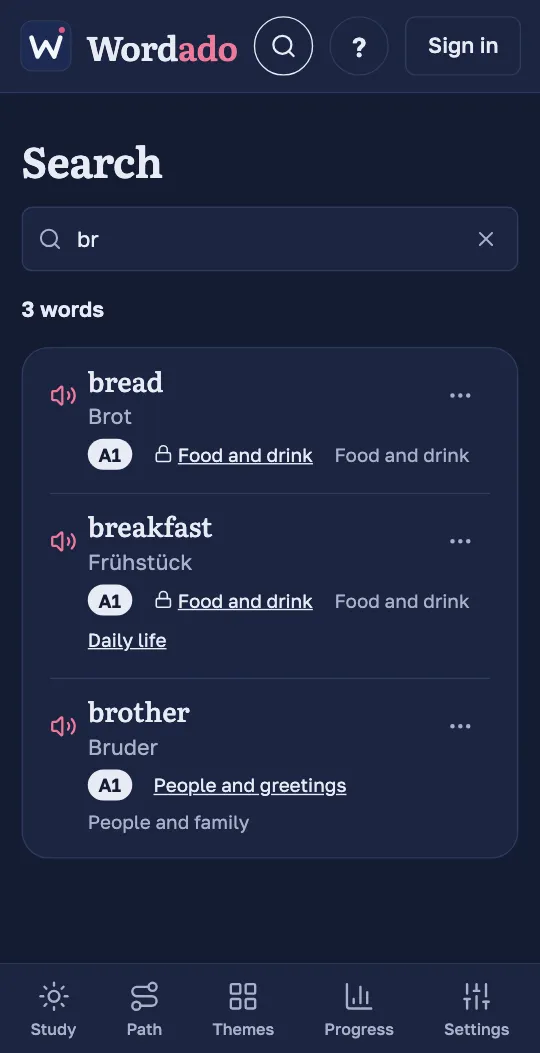
Search by the word or by its translation. Every word of the course is there, with its level and unit.
- Hear the word from the result
- See its level, unit and themes
- Learn it now, or set it aside if you know it
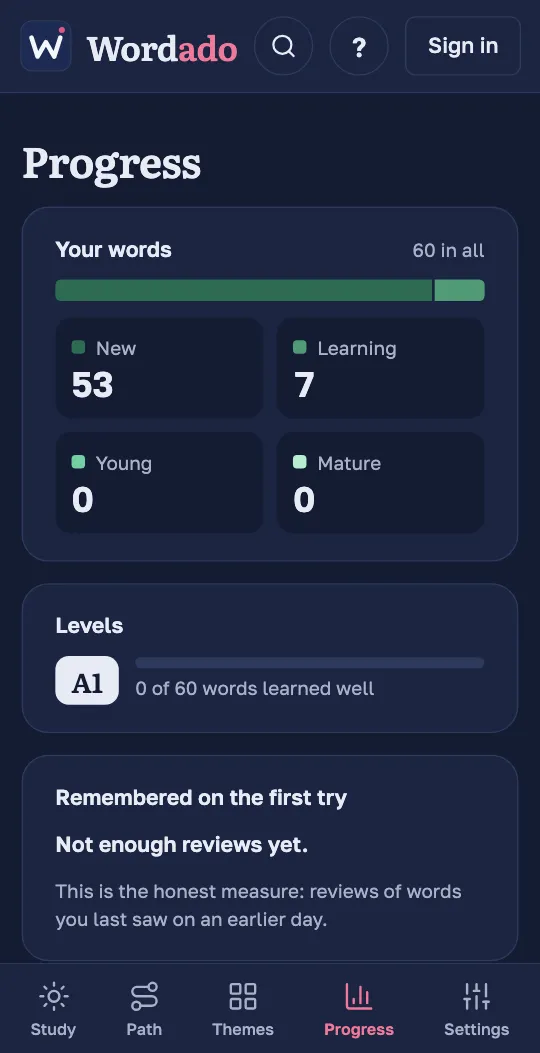
See how many words are new, in learning and firmly remembered, and how often you remember a word on the first try.
- A streak with two freezes a month
- Your own daily goal
- A reminder at the hour you choose
Wordado works without internet once you have opened it. Progress is saved on your device and synced to your account.
- Audio can be downloaded for offline study
- Installs from the browser, no store
- Free, with no ads
How it works
Three steps, every day
Start where you are
Pick your level from A1 to C1. Not sure? A short test of about twenty words finds it. Then choose a theme and its words come first.
A1A2You start hereB1B2C1A few minutes, never the same twice
Flashcards, quick choices, listening and matching games. You can hear every word and every example.
Just before you forget
Without review, a new word fades within days. Each review at the right moment makes it fade more slowly, so the gaps grow from a day to weeks.
- Againin minutes
- Hardsooner
- Goodas planned
- Easymuch later
new word1 day3 days8 days3 weeksknown
Get the app
On your phone and your computer
Install it straight from your browser: no store, no waiting.
- Coming soon to the App Store
- Coming soon to Google Play
Questions
Frequently asked questions
Which languages can I learn?
Wordado teaches English with translations into Bulgarian, German and Spanish; German (beta) with translations into Bulgarian, English and Spanish. More languages are coming.
Can I learn two languages at once?
Yes. Switch between your courses in Settings › Languages › Course. Each course keeps its own level and theme; your streak and daily goal are shared.
Is Wordado really free?
Yes. Learning every word, at every level, is free, with no ads.
Do I need an account?
No. You can try Wordado straight away. Create a free account when you want your progress saved and synced across your devices.
What do you use my email for?
To send you a six-digit code each time you sign in, so you need no password, and to tell you about important changes to the service, such as new terms. News only if you ask for it. You can delete your account at any time. Read the privacy policy
How much time do I need each day?
Five to ten minutes is enough. You set how many new words you take on each day, and Wordado keeps the reviews to a manageable number.
Does it work without internet?
Yes. Once you have opened it, Wordado works offline and syncs your progress when you are back online.
I’m not a beginner. Where do I start?
Pick your level when you start, or take the short placement test, and skip the words you already know.
How does the level test work?
It shows you about twenty words. You pick the translation, or say you don’t know. Wordado then suggests a level. Words below it count as known, and you can change your level in the settings at any time.
Can I look up a particular word?
Yes. Search finds every word of the course by the word itself or by its translation, shows its level and unit, and lets you start learning it straight away.
Can Wordado remind me to study?
Yes. With a free account you can switch on one reminder a day, at the hour you choose. It is skipped when you have already studied. On iPhone and iPad, reminders work once Wordado is on your home screen.
Is there an app in the App Store or Google Play?
Not yet. Wordado installs straight from your browser and then works like an app: its own icon, its own window, and it works offline.